
Know what to have ready
Each step lists the documents first: your CP-575, your formation papers, your bank details. No stopping halfway to dig for a letter.
LiveCLEATUS Webinar: AI for Government Contracting — Free Webinar — Wednesday, October 28 at 2:00 PM ET
Register Free →Free Chrome extension
Registration is free. It is also long, and one wrong digit sends you back for weeks. This extension opens beside the form, tells you what to have ready, fills the answers you approve, and catches the mistakes that get registrations kicked back.
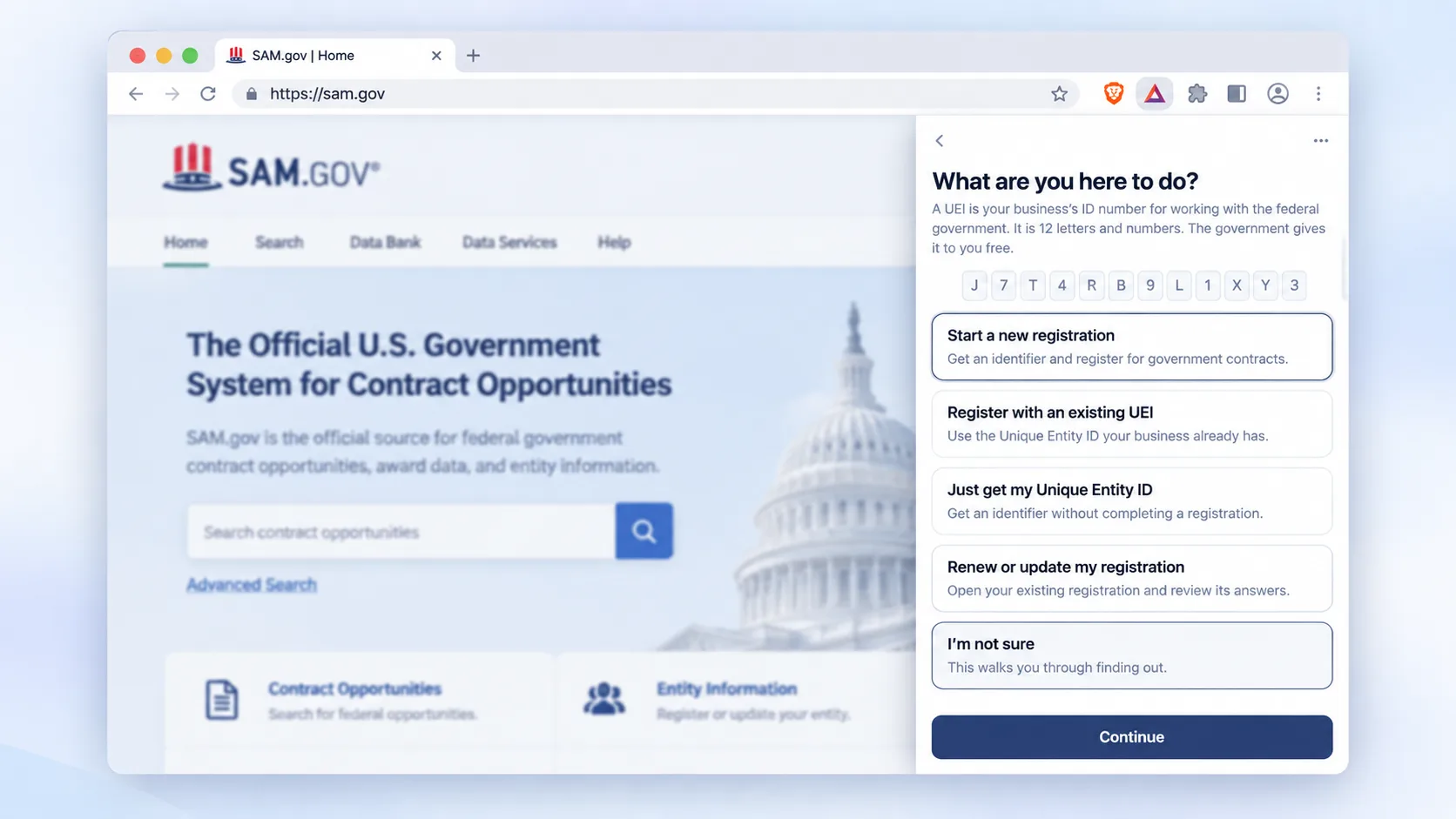
Installs on your browser
One install from the Chrome Web Store.
Works on

What it does
Each step lists the documents first: your CP-575, your formation papers, your bank details. No stopping halfway to dig for a letter.
The panel writes your saved answers into the boxes on every screen that asks, and highlights what it touched so you can check it.
UEI, CAGE code, taxpayer ID, routing number, MPIN, NAICS code, ZIP+4 and ten more, checked while you are on the page.
SAM.gov runs several different questions at one address. The panel names the screen and the button that moves you forward.
How it works
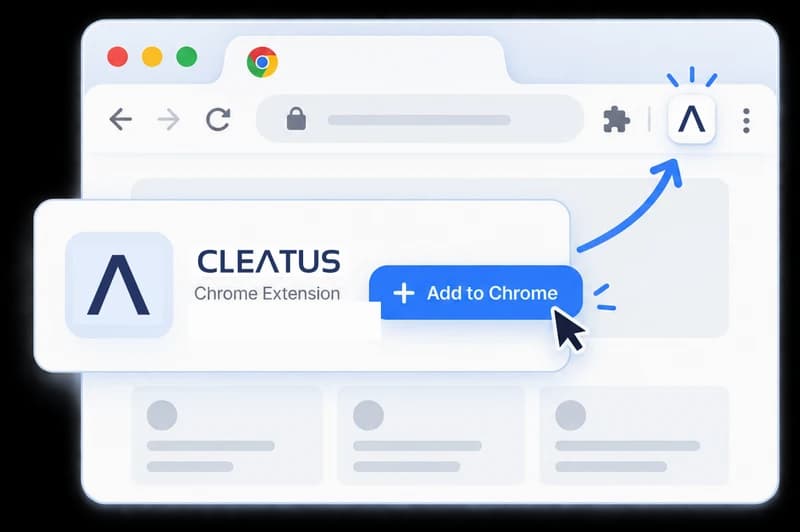
Install it free from the Chrome Web Store. A setup tab shows you how to pin it.
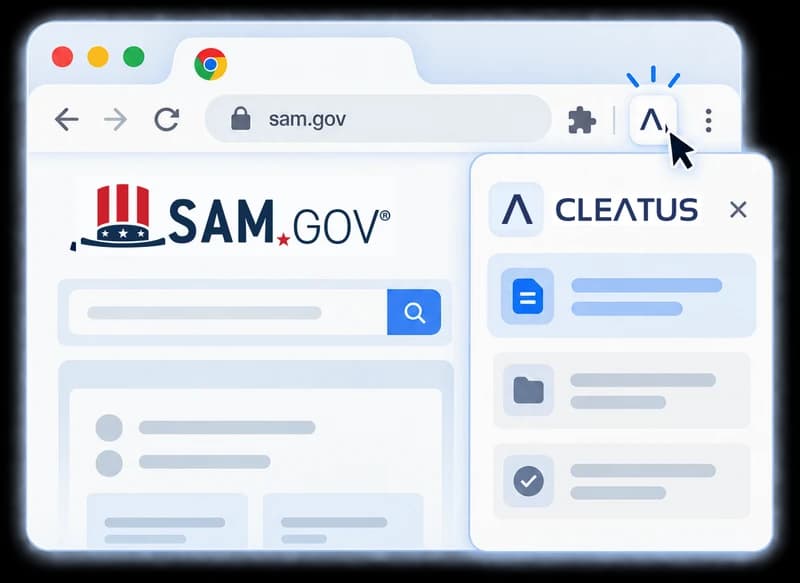
Press the CLEATUS mark. The side panel opens next to the page you are on.
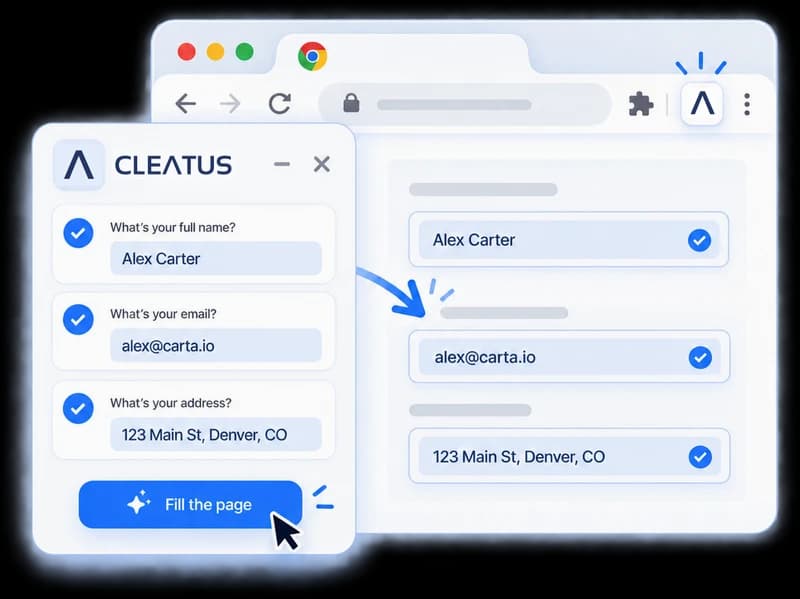
Tell the panel what you came to do. It walks the steps and fills the page when you press the button.
A closer look
Twelve sections, one at a time, beside the form it is filling.
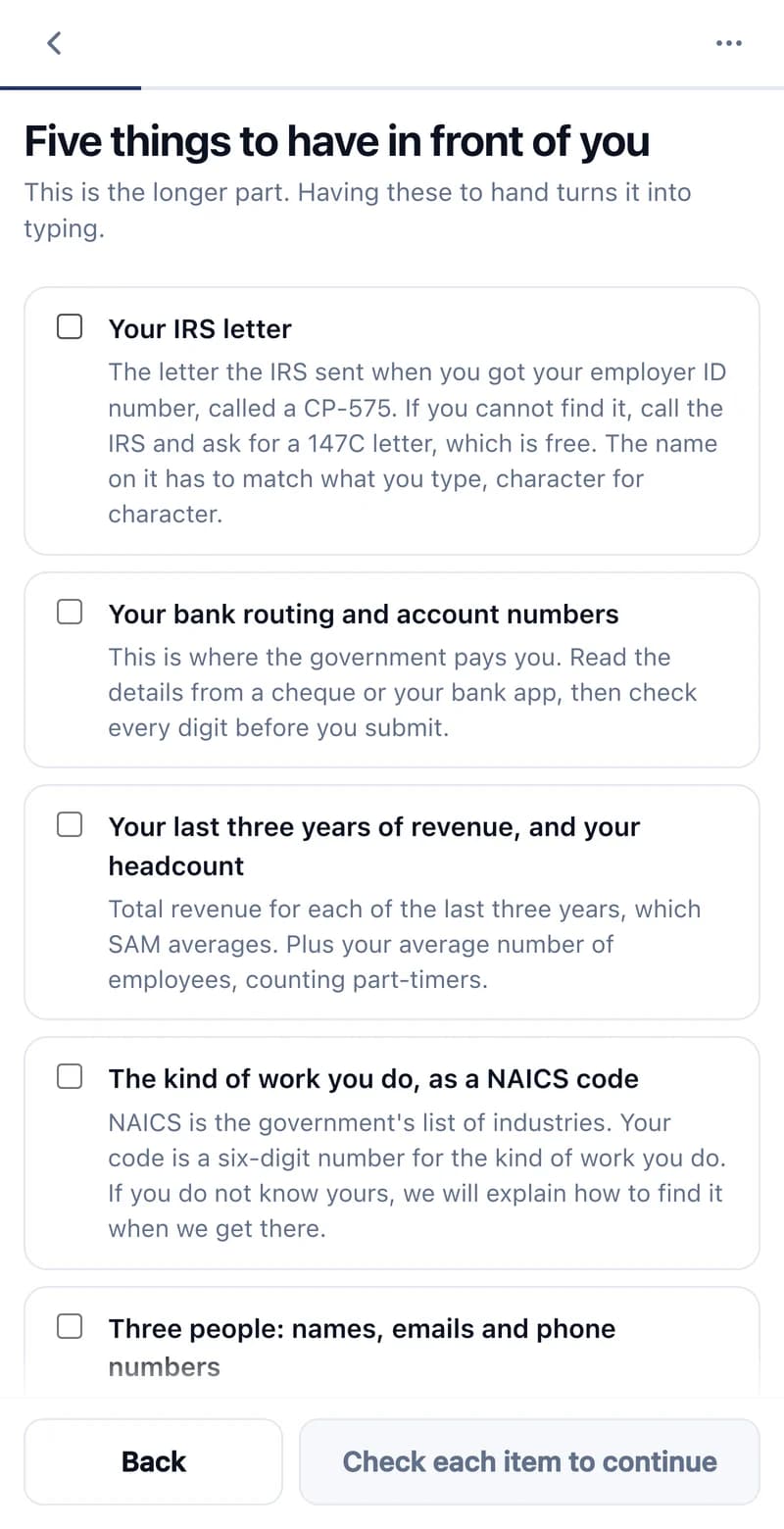
It lists what to have in front of you, including the IRS letter whose business name has to match character for character.
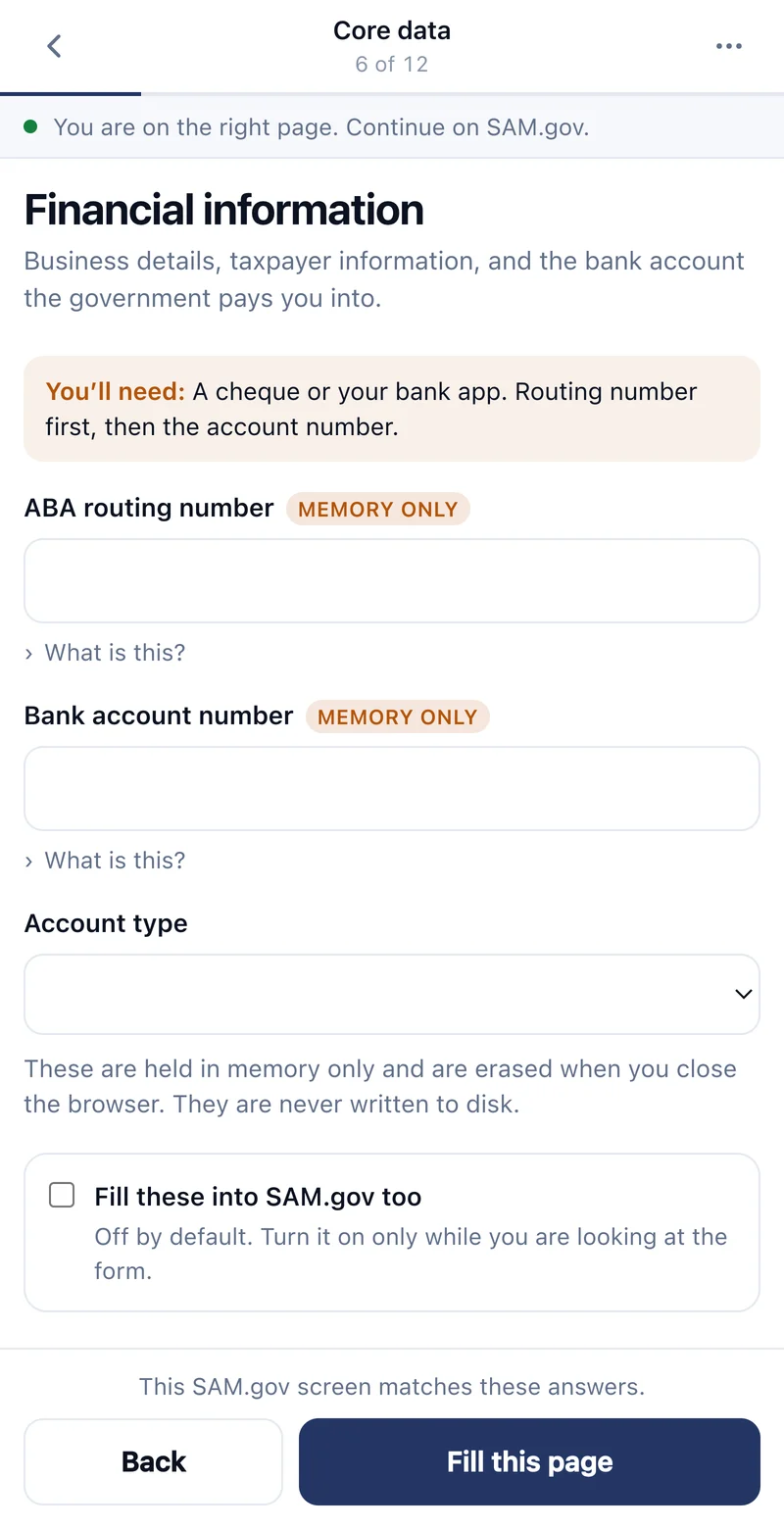
It tracks where you are, says what each box wants, and fills the page when you press the button.
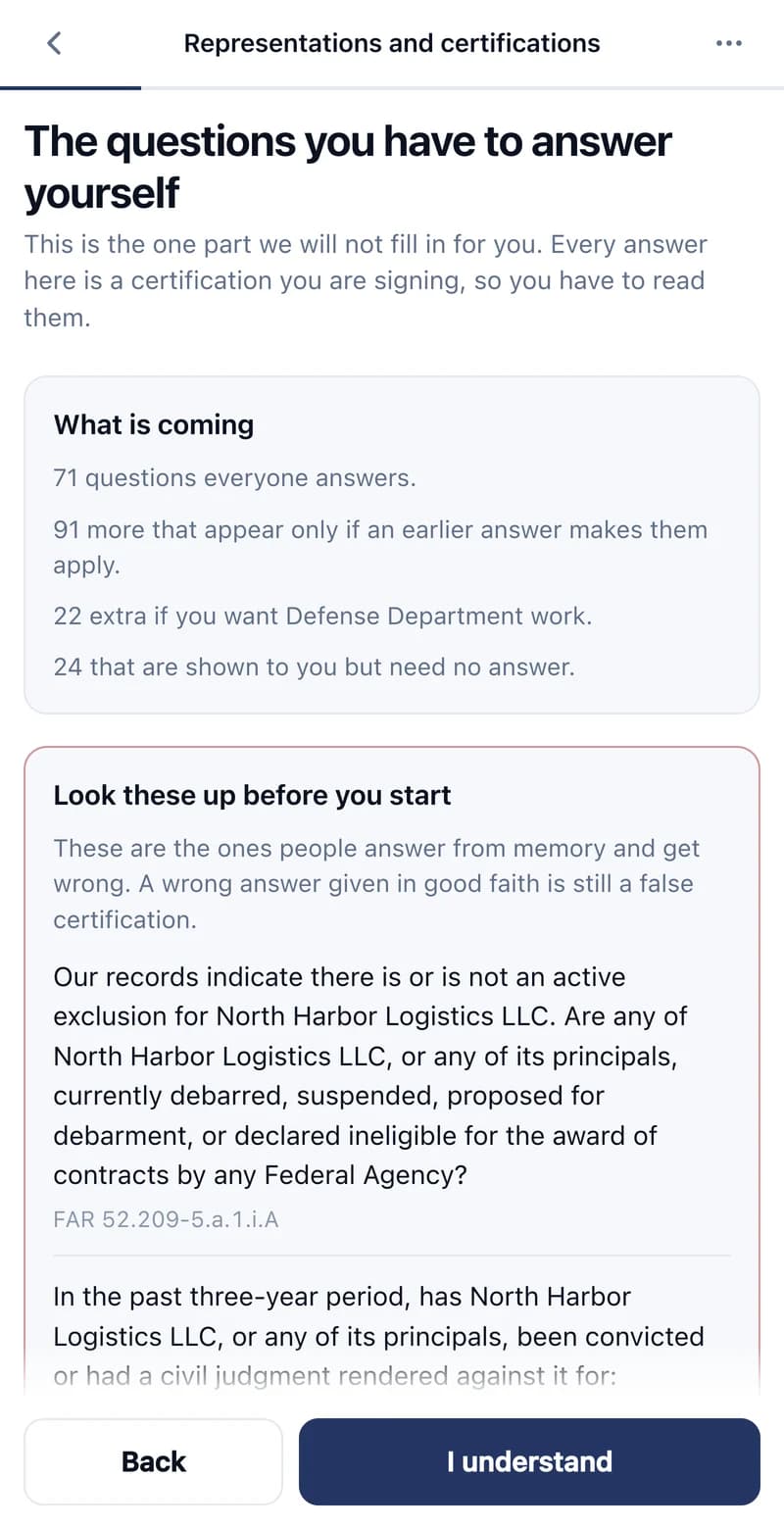
71 questions everyone answers, and 91 more that only apply sometimes. The panel says what is coming, with the FAR citation, and answers none of it.
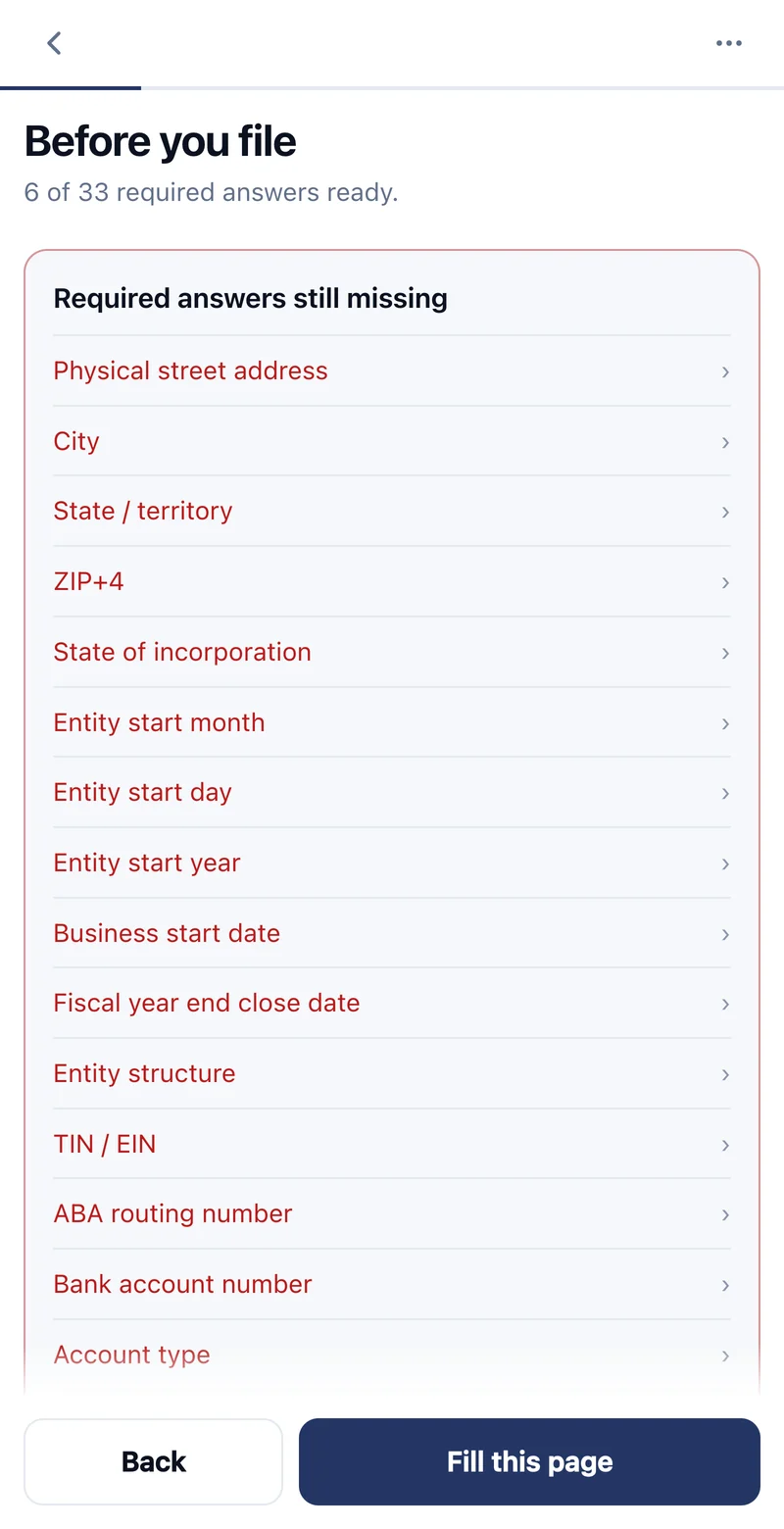
Before you file it counts the required answers you have against the ones SAM.gov needs, and lists every one still blank.
Privacy
SAM.gov asks for your EIN and your bank account, so the extension has to ask too. None of it reaches us.
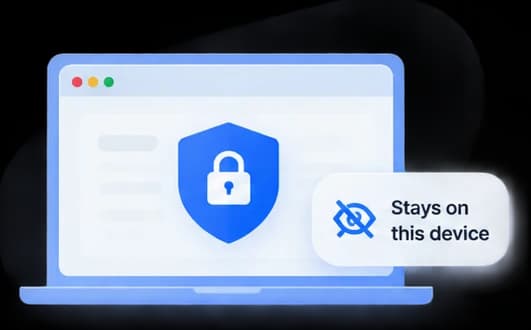
Your profile lives in your own browser. It is never synced to your Google account.
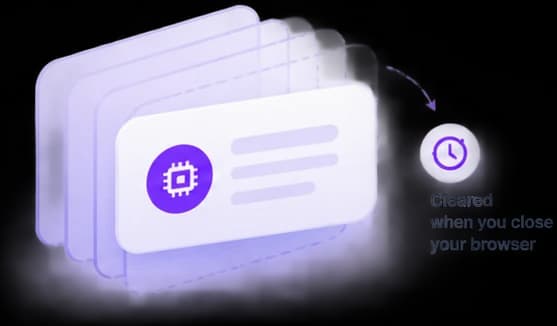
Held in memory, erased when you close the browser. You retype them next session, on purpose.
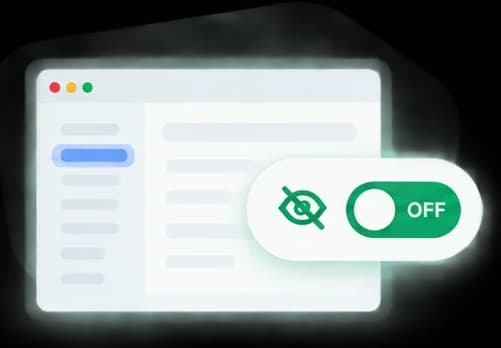
Leave it off and nothing is sent. Turn it on and it sends page structure only: never a value you typed, never a certifications page.
Where it stops
This is a federal filing. What it will not do matters as much as what it will.
Questions
Get registered with the extension. Once you are in, CLEATUS finds the contracts that fit what your business actually does, and drafts the proposals.
Installs from the Chrome Web Store.